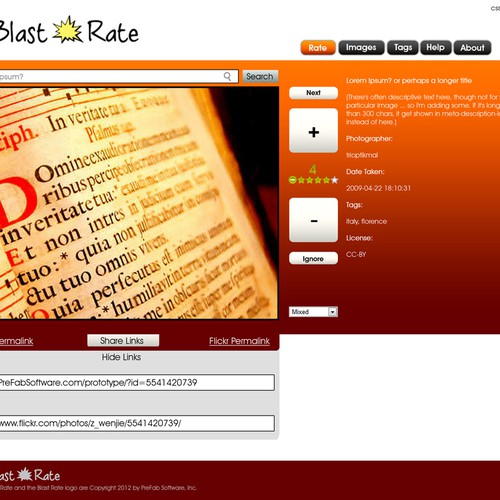
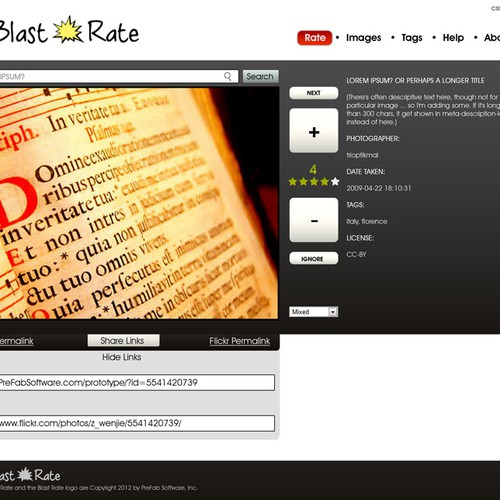
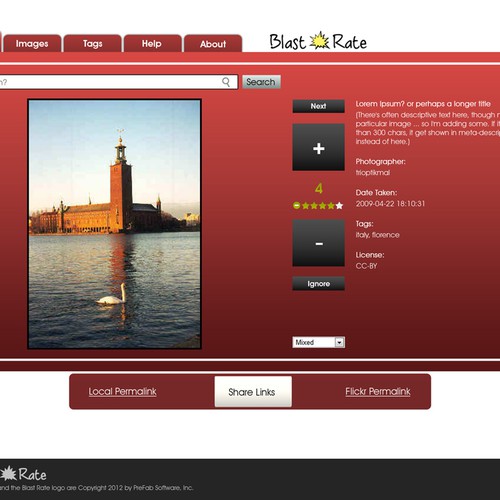
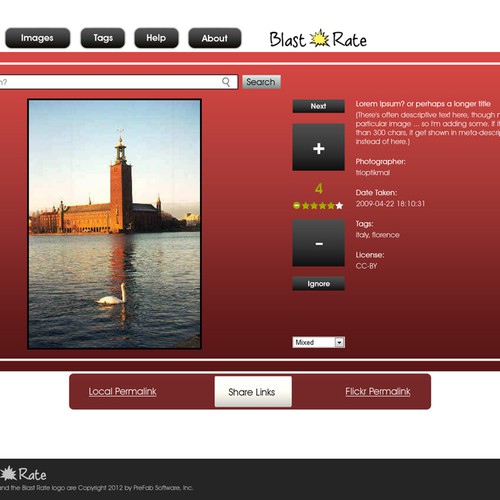
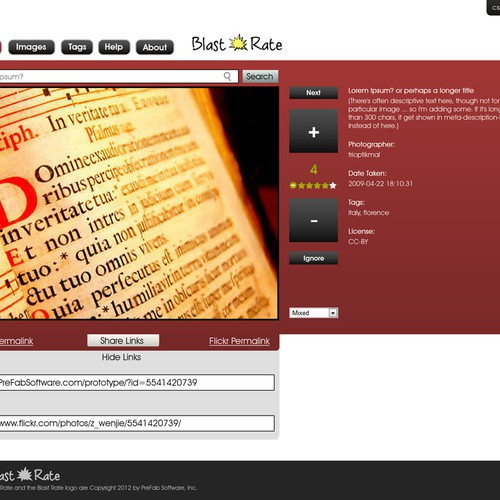
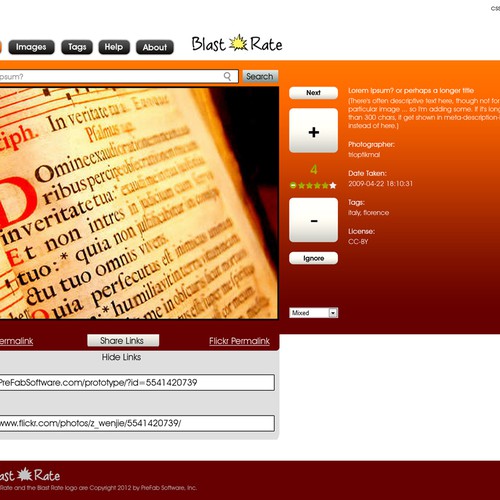
Blast Rate picked a winning design in their website contest
For just $599, they received 64 designs from 10 designers.
From logos and business cards to websites and stationery, you can get anything designed by running your own design contest on 99designs.
website design for Blast Rate
By Blast Rate
- Last feedback - Thu, 17 May 2012 12:57:44 +0000
- Feedback 99%
- Refunds - 0
1
- Qualifying
- The contest was open to all designers
2
- Selected finalists
- The contest holder selected 3 finalists
3
- Final round
- Finalists continued to submit designs
4
- Selected a winner
- The contest holder awarded a winner
completed
Congratulations to the winner, Project Rebelation!
-
- Project Rebelation
- Label:
- #32
-
- Project Rebelation
- Label:
- #25
-
- daydreamer99
- Label:
- #6
-
- Project Rebelation
- Label:
- #61
-
- Project Rebelation
- Label:
- #60
-
- daydreamer99
- Label:
- #57
-
- daydreamer99
- Label:
- #55
-
- Project Rebelation
- Label:
- #54
-
- Project Rebelation
- Label:
- #53
-
- kira346
- Label:
- #26
-
- kira346
- Label:
- #15
-
- kira346
- Label:
- #7
-
- kira346
- Label:
- #1
-
- klinik design
- Label:
- #30
12 comments shown 12 total, most recent first
OK, down to 3 designers. Please post at least one design with this image: http://www.flickr.com/photos/brentl…214813530/
Like my /prototype/, the height should be 480. The width of textbox+search button should still be 640 (perhaps a bit more if your design for the 640-wide image included padding).
Also: omit the entire "Hide Links" section; that is intended to be dynamic and hidden by default.
Optional but worth trying: treat the menubar as tabs instead of buttons.
Thanks,
Scott
The first round is done soon; I'll take a look tomorrow morning (US Eastern time).
Scott
It's ok to omit "Rate This!" -- especially as part of keeping the search box "front and center".
A general comment: I don't really like gray. White is ok, colors are good -- background and/or buttons and/or menubar.
Also: no vertical bar ("pipe" character) between menu items. It's common, but one of my pet peeves.
Before submitting, it's worth comparing every element of yours against my /prototype/. Of course yours will look much better, but if you left something out or added something, please justify it in the comments to your design. THANKS!
The contest holder has guaranteed to award the prize!
Another thought: if you prefer to use an image that you pick instead of my sample, PLEASE use the exact same dimensions -- even if you have to crop to match.
At this early stage, I much prefer giving comments rather than star ratings. (I'm open to feedback if I'm missing something important -- I've only used 99designs twice.)
I didn't create the design using CSS(Cascading Style Sheet) but I could convert it to html/css. I made sure the elements used can be implemented dynamically. I'm a web developer myself. In terms of which is faster, I cannot directly compare, as CSS is not a graphic software but a markup language. ;)
Also, I don't like ALL CAPS. Sorry. :-)
PLEASE use the sample image to help me compare designs. As noted, it's "CC-BY" license (attribution). And, choose whether to have the height "liquid" or fix the height at 480px as in the /prototype/. There are pros and cons to each.
By the way, if anyone actually creates the design using CSS, please let me know. It would be interesting if that's ever faster than Photoshop or other graphics software.
One of these designs is mine, could you provide personalised feed back for my design please? #2
thanks liam
I will make some feedback public for all designers ... I can't yet tell if I can offer other feedback in private. (The 99designs site could use some work!)
First: thanks to the designer who created 2 entries while I slept!
Height: I don't want to much vertical whitespace -- the entire image should be visible on a laptop screen.
Controls: do not put controls or anything else on top of the main image. That might work at other sites but not for my purpose. Also: the controls should NOT be put below the image ... computer screens are mostly widescreen now.
Corners: the corners of the main image should remain square; rounded corners are ok for other elements (though of course not required).
Image: as shown on the /prototype/, the image may not be the exact aspect ratio of the container -- i.e. the image may not fit exactly. In general I much prefer a "liquid layout" rather than fixed width, and that can apply to the text. But the image width should be fixed -- even for a "portrait" aspect ratio. There's some advantage of having the height fixed even though it allows a gap (like on the prototype) ... otherwise any controls beneath the image are in a different place as the user navigates from one image to the next. But, I'm flexible.
Search: the search box is very important. It might be ok in a sidebar right next to the image, but definitely not up in the header. (That's fine for a normal site, but not for an image search page!)
Fonts: do not use Arial. I prefer Verdana though am open to others -- should be cross-platform.
Be sure to include everything, including the "CSS" links that I have on the upper right. There may be more or fewer; so a menu might work instead of links.
I like attention to detail, e.g. including every menu item, with no typos.
One variation that I will consider: "Here" and "Flickr" as abbreviations for the current "Local Permalink" and "Flickr Permalink". The shorter labels will make a horizontal layout easier.
It's ok to add some additional 'Share' icons (Twitter, Facebook, etc.) though not too many. But also not required.
Scott